
Ergonomic Gear For Remote Work

Picture this: it’s mid-afternoon, and you’re deep into your work, but your back is aching and your wrists are beginning to throb. The comfort of your home office is fading fast. It’s time to revolutionize your workspace with ergonomic gear for remote work. Imagine transforming your daily grind into a seamless flow of productivity and comfort. Let’s dive into the essentials that will liberate you from physical strain and boost your efficiency.
Introduction to Ergonomic Gear for Remote Work
In the world of remote work, comfort is king. Yet, many of us find ourselves hunched over laptops on kitchen tables or slouched on couches. This isn’t just about comfort—it’s about your health and productivity. Ergonomic gear for remote work is not a luxury; it’s a necessity. From adjustable sit-stand desks to chairs that cradle your spine, these tools are designed to alleviate strain and elevate your work experience.
The beauty of ergonomic gear lies in its ability to adapt to you. Whether it’s a desk that shifts with a touch or a chair that supports every curve, these innovations are crafted to make your workday smoother and more enjoyable. With the right setup, you can say goodbye to discomfort and hello to a more productive and pain-free work life.
- Consider investing in ergonomic gear to reduce physical strain and improve productivity.
- Ergonomic gear is essential for maintaining health during long work hours.
Benefits of Adjustable Sit-Stand Desks
Imagine the freedom of standing tall or sitting comfortably with just a gentle push of a button. Adjustable sit-stand desks are a game-changer for remote workers. They allow you to switch positions easily, reducing the risk of health issues associated with prolonged sitting. Pneumatic or electric height adjustments make transitions smooth and effortless.
The ability to stand while working can invigorate your day, boosting both your energy and focus. These desks aren’t just about standing; they’re about finding the perfect balance between sitting and standing, tailored to your body’s needs. Embrace the flexibility and watch your productivity soar.
- Switch between sitting and standing to improve circulation and reduce fatigue.
- Adjust desk height so elbows remain at a comfortable 90-degree angle.

Choosing the Right Ergonomic Chair
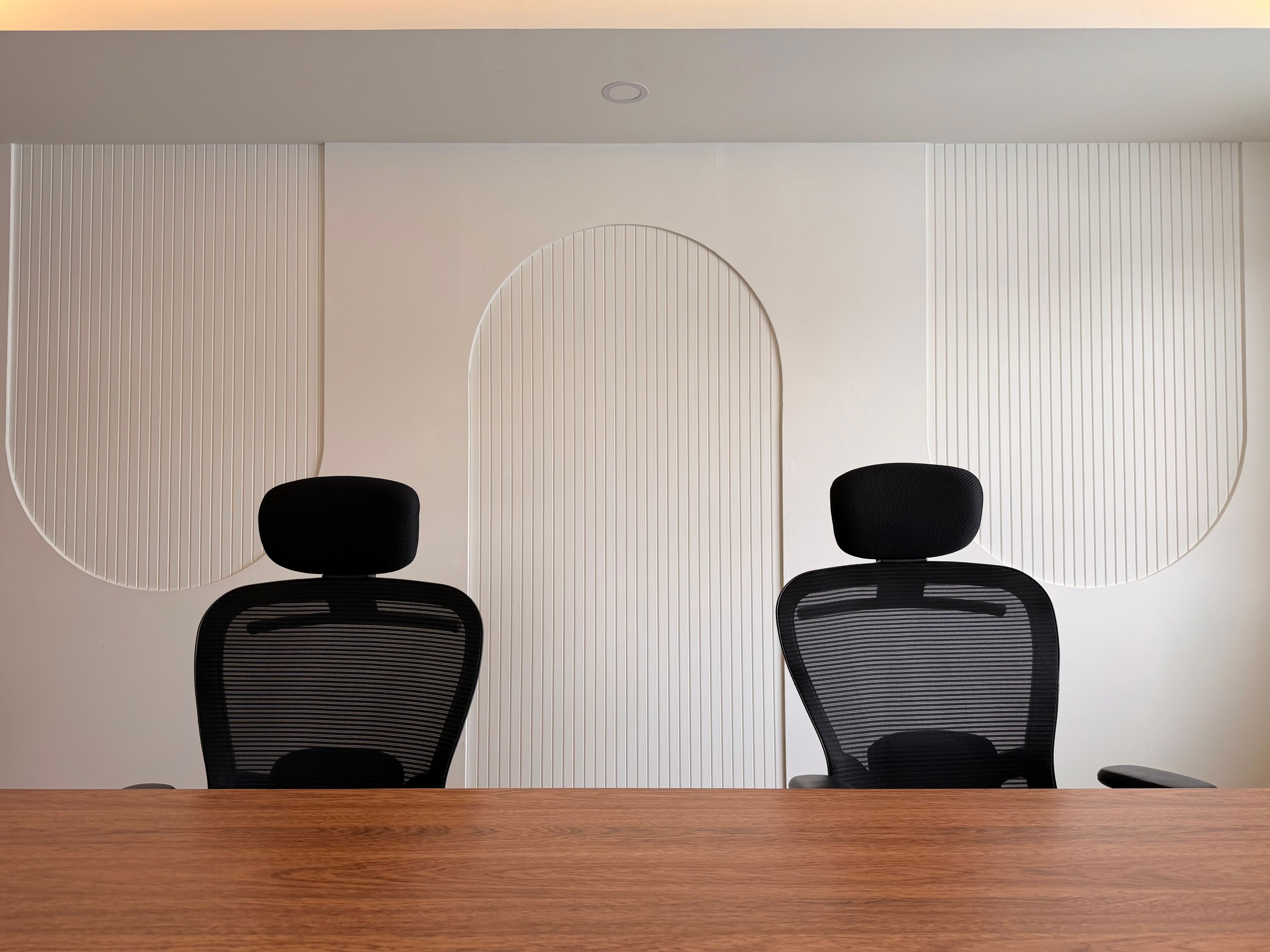
An ergonomic chair is your throne of productivity. The right chair can transform your workday by providing the support your body craves. Look for chairs with adjustable lumbar support and armrests that cater to your unique shape. This isn’t just about comfort—it’s about maintaining the natural curve of your spine and preventing long-term issues.
Seat depth is crucial; ensure there’s a gap of 2-4 inches between the edge of the seat and the back of your knees. This small detail can make a significant difference in preventing circulation issues and ensuring comfort throughout the day. Invest wisely, and your back will thank you.
- Choose a chair with adjustable lumbar support to maintain spinal health.
- Ensure seat depth allows for a 2-4 inch gap between the edge and your knees.

Importance of Monitor Arms in Ergonomics
Monitor arms are the unsung heroes of ergonomic setups. These adjustable arms allow you to position your screen at the perfect height and angle, crucial for maintaining proper posture. With a gas spring mechanism, adjustments are effortless, helping you avoid neck and eye strain.
Position your monitor so that the top is at or slightly below eye level, and keep it about 20-30 inches away from your eyes. This setup not only enhances comfort but also reduces the risk of long-term vision problems. A small adjustment for a significant impact on your daily work experience.
- Use monitor arms to adjust screen height and angle for optimal viewing.
- Keep your monitor at eye level and 20-30 inches away for comfort.
Optimizing Keyboard and Mouse Setup
Your keyboard and mouse are extensions of your hands, and their placement can make or break your ergonomic setup. A keyboard tray with a negative tilt can significantly reduce wrist strain, allowing your hands to remain at or below elbow level.
Ensure your wrists are straight while typing to prevent repetitive strain injuries. The right setup can make typing a breeze and keep those pesky aches at bay. It’s the little things that make a big difference in your comfort and productivity.
- Position your keyboard so that wrists are straight and hands are at elbow level.
- Consider a keyboard tray with negative tilt to reduce wrist strain.
Enhancing Comfort with Footrests
Never underestimate the power of a good footrest. It might seem like a minor addition, but the comfort it provides is immense. An adjustable footrest ensures your thighs are parallel to the floor, enhancing circulation and reducing lower back pressure.
By keeping your feet supported, you maintain a more balanced posture, which can prevent fatigue and discomfort during long hours at your desk. It’s a simple yet effective way to elevate your ergonomic game.
- Use a footrest to keep thighs parallel to the floor, enhancing comfort.
- Adjust the footrest height to reduce lower back pressure.